

Hi, I’m Tomo, co-founder & CEO of Genomelink/YourRoots.
We’ve just launched YourRoots v2, our new genealogy site that you can access with your Genomelink account. Until now, the YourRoots-branded tools lived on the Genomelink site (genomelink.io). We’ve moved all of them to the new YourRoots.com.
Why is YourRoots.com separate from Genomelink?
Some of you asked why we built YourRoots as a separate site from Genomelink. There are a few reasons.
We wanted to keep the Genomelink web app focused on DNA tools: ancestry reports, trait analysis, and DNA matches. At the same time, we want to keep adding genealogy tools that don’t necessarily need DNA data. Many genealogy services like Ancestry.com or MyHeritage started as genealogy sites and later added DNA test kits. Genomelink started as a DNA upload site and is now expanding into genealogy tools. By separating the two, we can now serve people who want to use our YourRoots genealogy tools without DNA data.
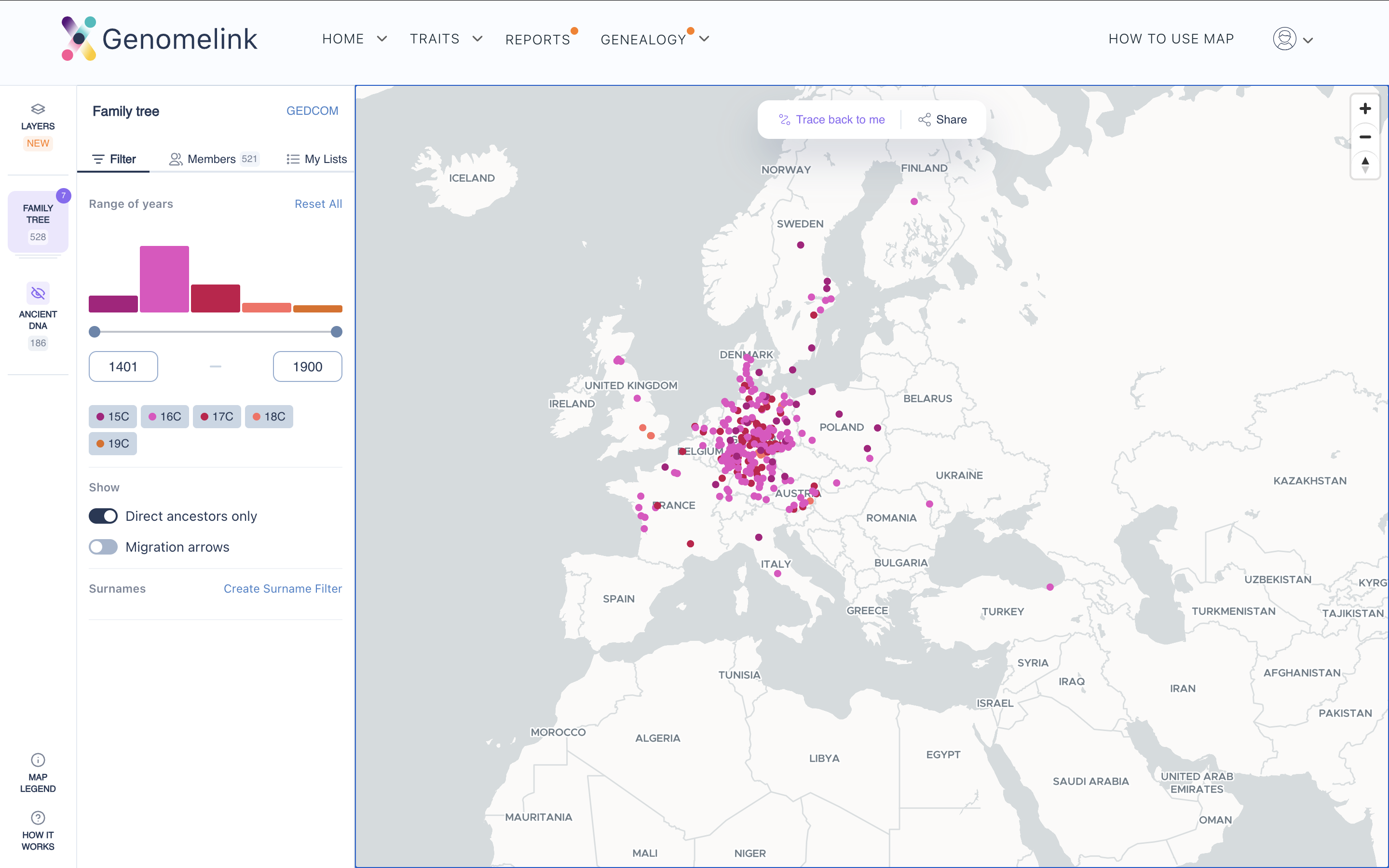
The separation also lets us build faster, and build a better, more connected experience across tools on one platform. For example, we’re now reshaping the whole YourRoots discovery experience by connecting tools like Map, Tree Editor, Tree Match, and AI Research, and we’ll keep adding ways to analyze and explore your family roots.
That said, the two products still work together for your genetic genealogy research. You’ll keep seeing more YourRoots-enabled tree matches in your DNA match results on Genomelink. And when you find DNA matches, you’ll be able to use that information in more YourRoots tools like Tree Compare.
From your side, you can still use both sites as if they were one. They share the same login, and when you use both in the same browser session, you won’t really notice you’re switching sites.
To be clear, both Genomelink and YourRoots are web applications and domains owned by one company, Genomelink, Inc. You can log in to either site with the same credentials because both use the same user management system.
What’s available in YourRoots v2
This launch includes major updates to our popular genealogy tools, plus some new ones. This is just the starting lineup, and we’ll add more soon. You can read about each tool in its own post:
- YourRoots Map (open the app)
- Tree Match (open the app)
- Tree Editor (open the app)
- US Census & Model Tree (open the app, or browse the free US Census index)
- YourRoots AI (open the app)
How to join YourRoots
If you already have a Genomelink account, just visit YourRoots and log in with it. Then create your profile and import your existing family tree (GEDCOM) to use the features above. If you don’t have a family tree yet, no worries. You can start building one for free with our Tree Editor.
If you don’t have a Genomelink account, you have two options.
If you’ve taken a DNA test and want both Genomelink and YourRoots features, I’d recommend completing your DNA upload on Genomelink first, then adding your tree file on YourRoots.
If you’ve never taken a DNA test and just want the YourRoots tools, that’s no problem at all. Create a new account on YourRoots here, and you can use many genealogy tools for free. If you take a DNA test later, you can upload the data then and everything will work together.
If you need help downloading your GEDCOM file, here is a short guide.
That’s it for now. We’re very excited about this launch. It gives us so many more ways to create integrated, unique genealogy experiences across Genomelink and YourRoots. If you have any questions or feedback, email me anytime at tomo@yourroots.com.


.png)